New theme released: EasyShop
2025-12-03 14:13:26
oday, we’re excited to release a new SucShop theme: EasyShop.
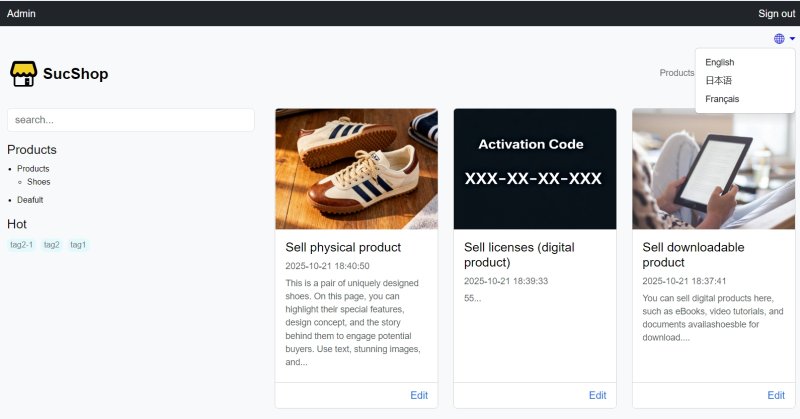
It’s a clean and minimal theme designed for creators, small business owners, and freelancers to sell digital or physical products.
EasyShop comes with both a homepage and a blog page. The homepage serves as a flexible landing page, while the blog page presents a clear list of your posts and products.
In addition, the product/post category system now supports unlimited nested category levels, making it especially useful for managing a wide range of product types.
How to install this theme?
- Install a theme: Download the theme’s ZIP file and extract it into the themes folder in the root directory, or upload the ZIP file directly from the Appearance → Themes page.
- Switch themes: Go to Appearance → Themes, and select the theme you want to activate.