Screenshots of SucShop
To help everyone better understand SucShop’s features and usage, I will present a series of screenshots following the installation and usage sequence of SucShop shown below.
- SucShop Basic Configuration: set up basic site information, configure email server
- Store Configuration: basic shop settings, configure payment APIs, configure supported regions and cities for shipping, create shipping templates, create tax templates
- Appearance:themes manage, menus settings
- Publishing Content and Products: editor page (publish posts/pages/templates and add product attributes), post management page, page management page, template management page, categories management page and category multilingual features, tags management page and tag multilingual features, media management page
- Store Management: product management, license management, order management
- Other Features: SEO tools, site migration, data backup
I hope this helps you quickly grasp SucShop’s development philosophy and product value.
1 SucShop Basic Configuration
Multilingual Configuration
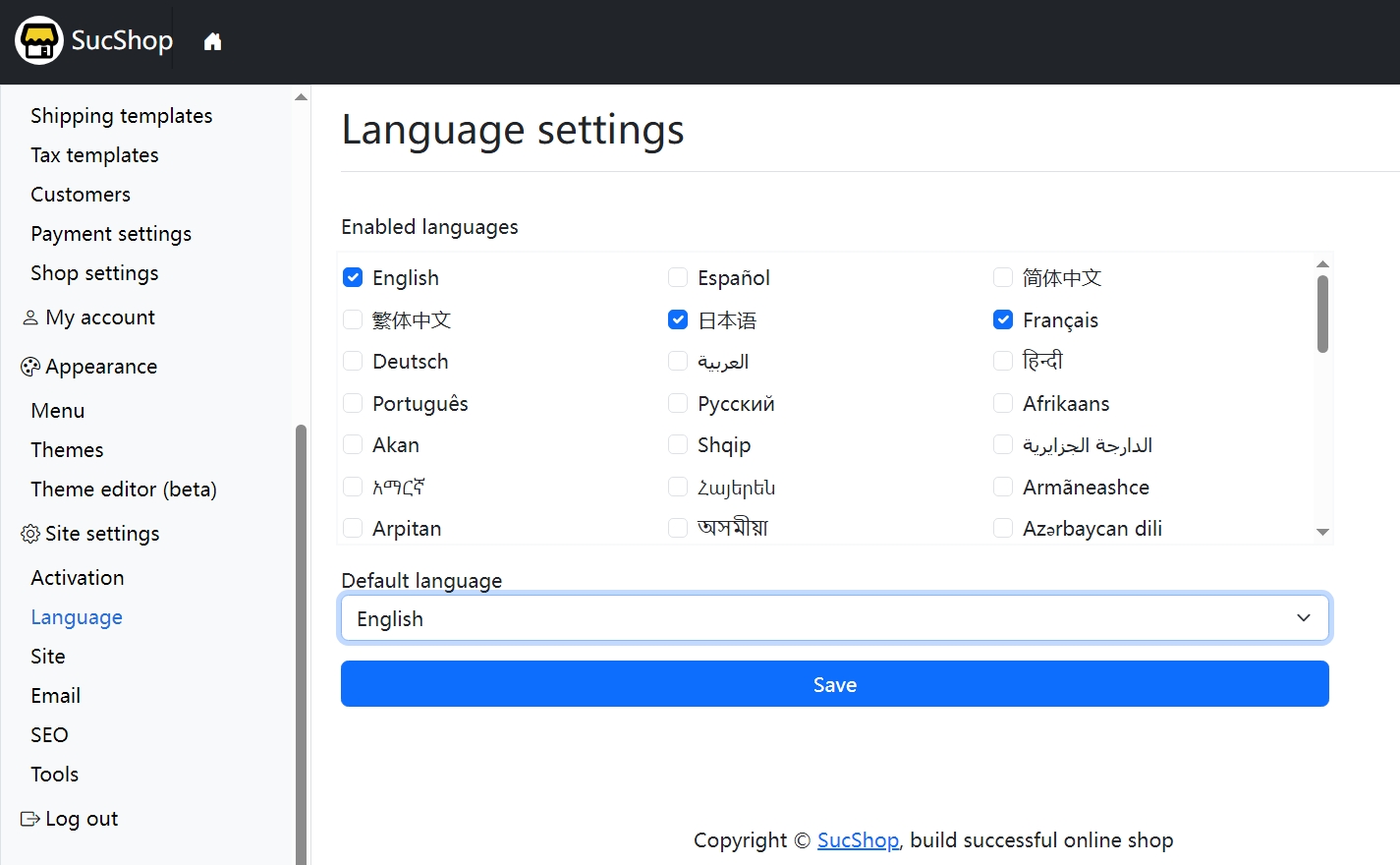
After installing SucShop, the first thing you should do is configure your website’s languages. SucShop supports adding one or more languages and allows you to set one language as the default. SucShop’s language list includes most major global languages by default. If the language you need is not in the list, or if you want to modify a language’s name/code, you can refer to this tutorial to add or edit it.
Set Basic Site Information
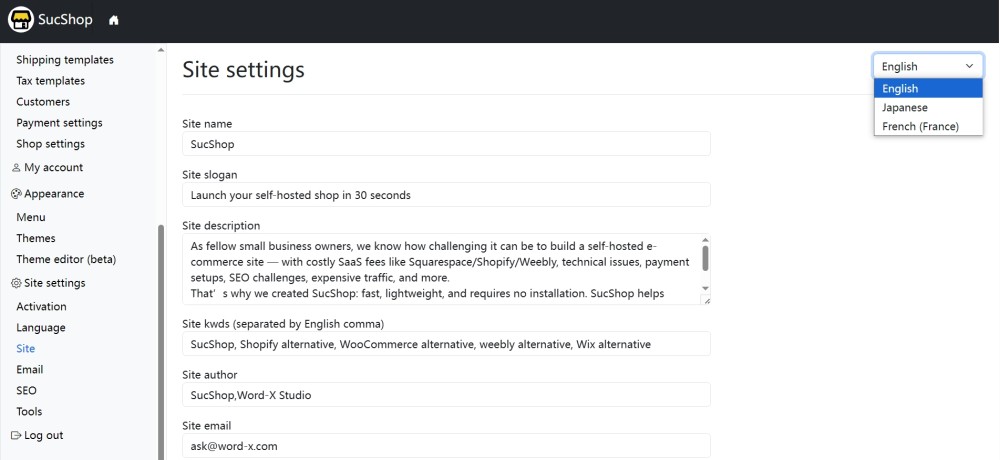
Since SucShop natively supports multiple languages, you can set a full set of site information for each language. This means your website can display different titles and slogans in different languages. The HTML meta tags will also switch according to the display language of the website.
Configure Email Server
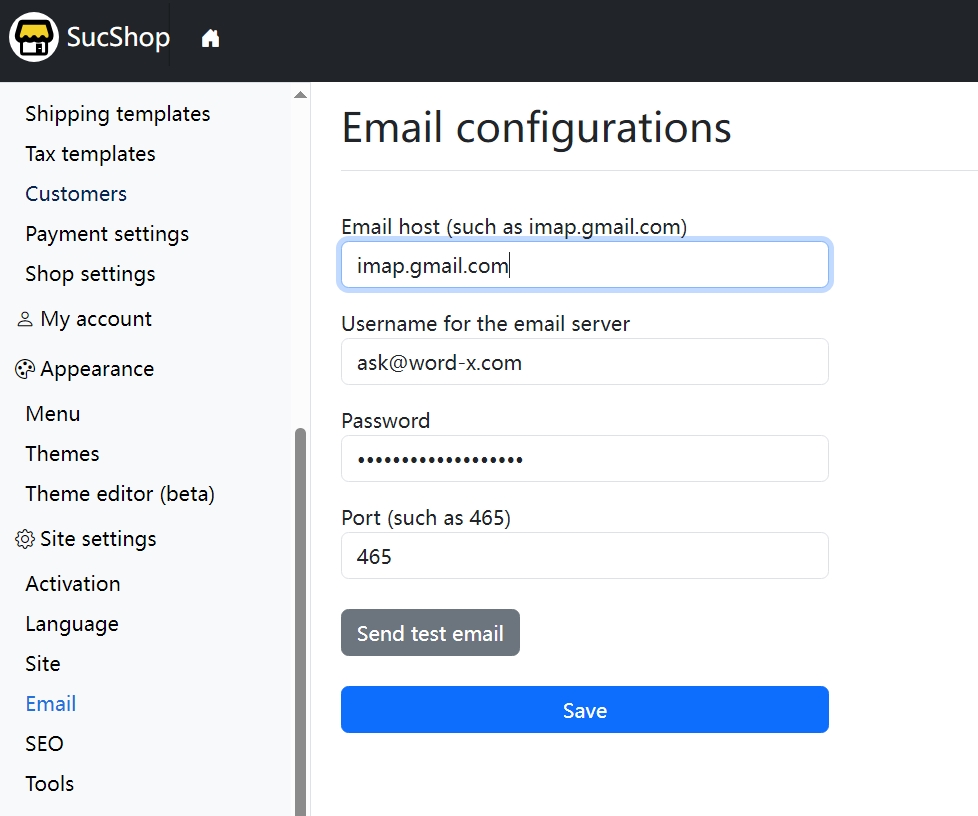
SucShop can send emails without requiring any additional plugins. All you need to do is configure your email server information in the Email Settings page. You can use free email services such as Gmail or Outlook to send emails. In many ways, SucShop helps small business owners significantly reduce operating costs.
2 Store Configuration
Basic Shop Settings
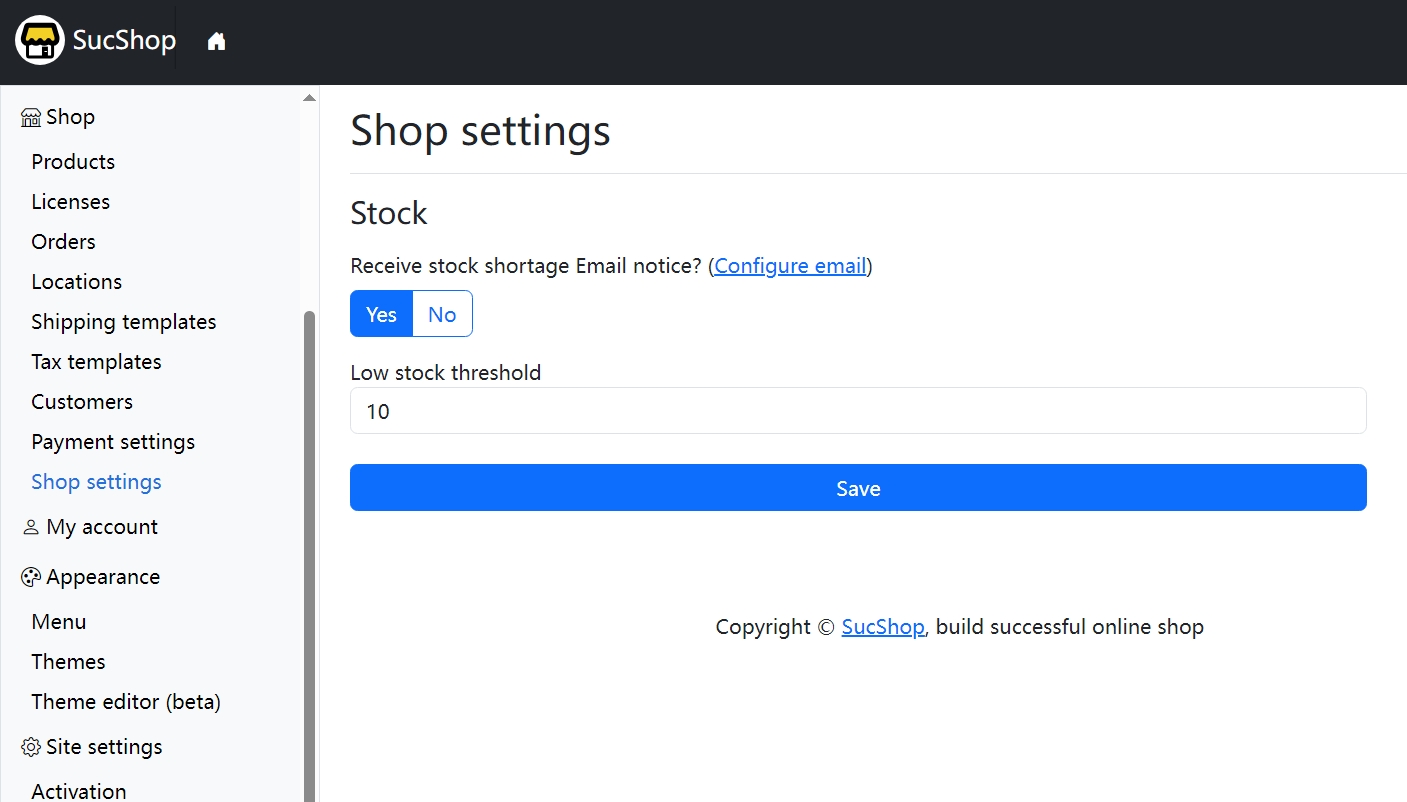
In Shop → Shop Settings, you can configure essential settings for your online store, such as low-stock alerts and threshold values. We will continue adding more shop-related settings in this page based on user needs.
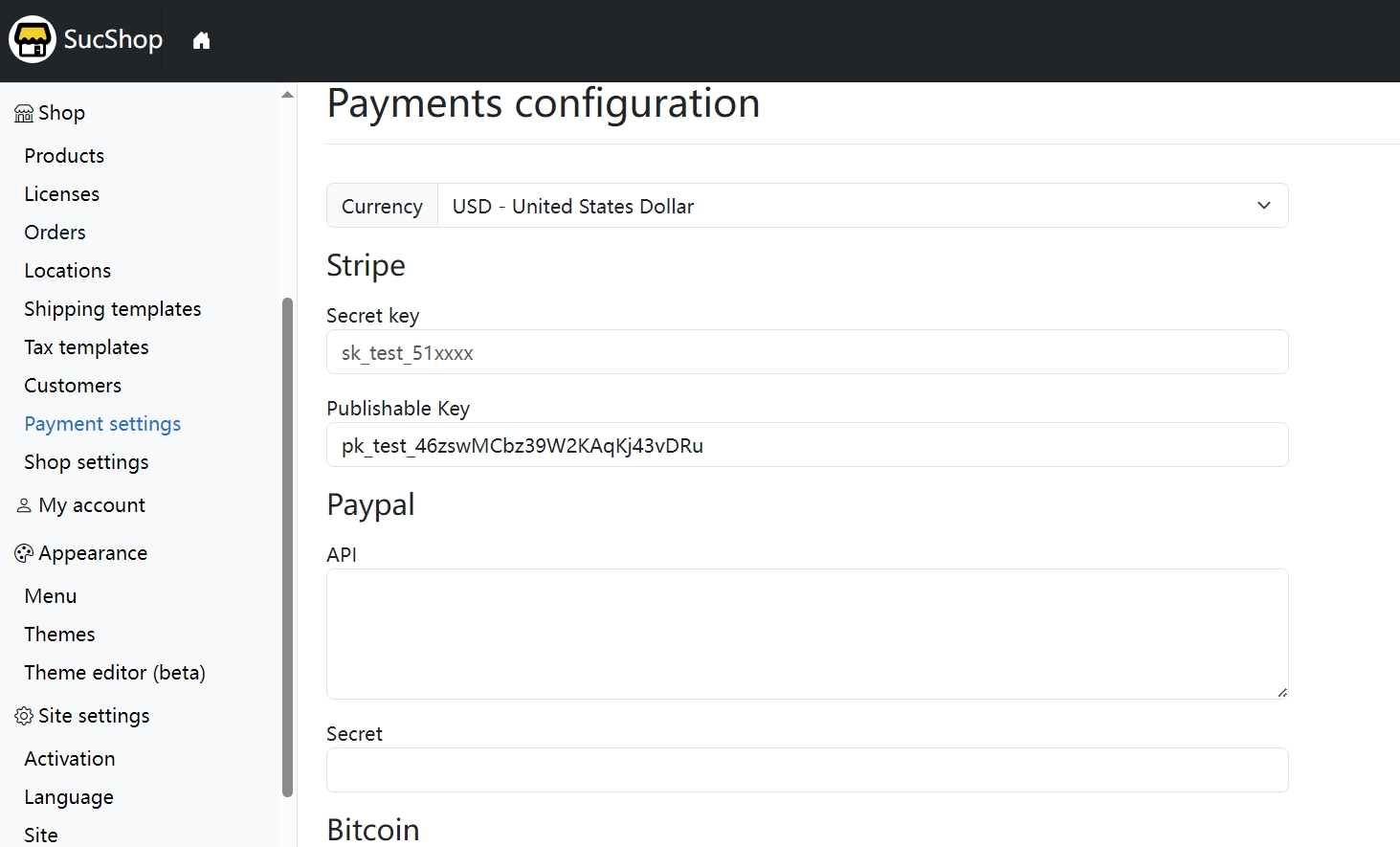
Configure Payment API
To operate an online store, the most important part is receiving payments. SucShop currently supports Stripe, PayPal (pending), Bitcoin Wallet (pending), and more. You can configure payment APIs in Shop → Payments.
Configure Supported Regions and Cities
If you sell digital or virtual products, you do not need to configure delivery regions or cities. If you sell physical products, you can configure the deliverable regions and cities in Shop → Locations.
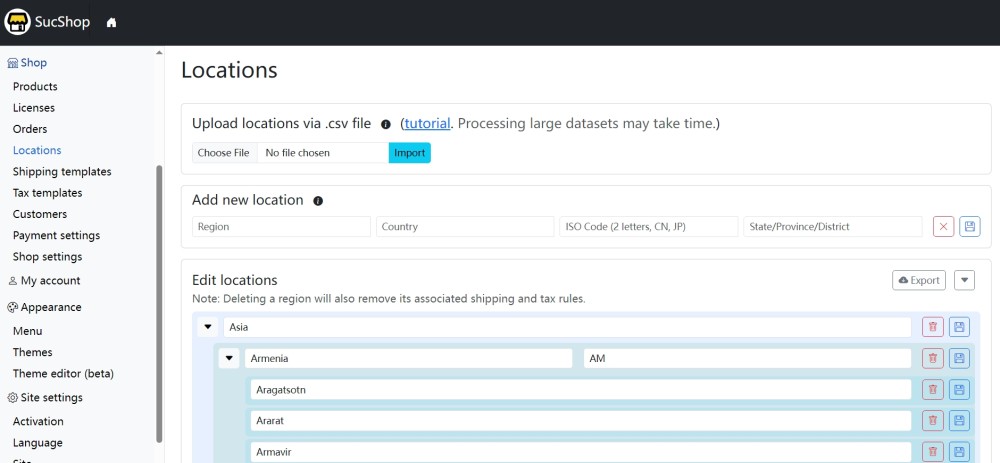
More importantly, SucShop supports high-level customization. You can prepare a CSV file containing countries, regions, and cities that your store can deliver to, and upload it to the Locations page. Whether you want to support delivery to single/multiple cities, states, countries, or continents, you can achieve it by uploading a custom Locations table.
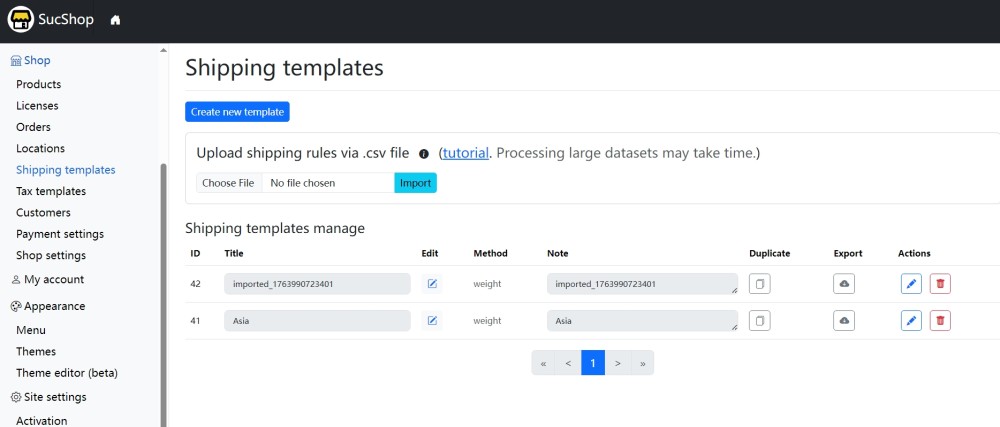
Create Shipping Templates
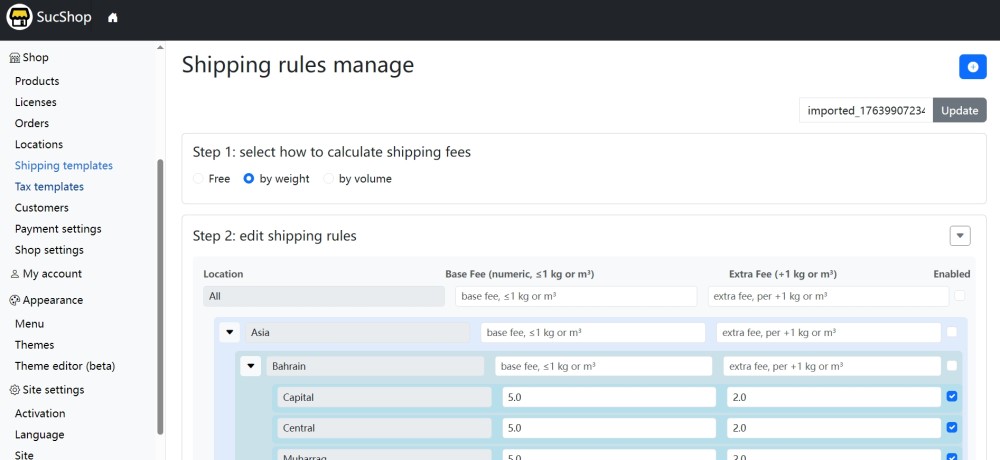
After configuring the locations table, you can create shipping templates based on it. SucShop supports bulk editing of shipping rules by city, country, or region.
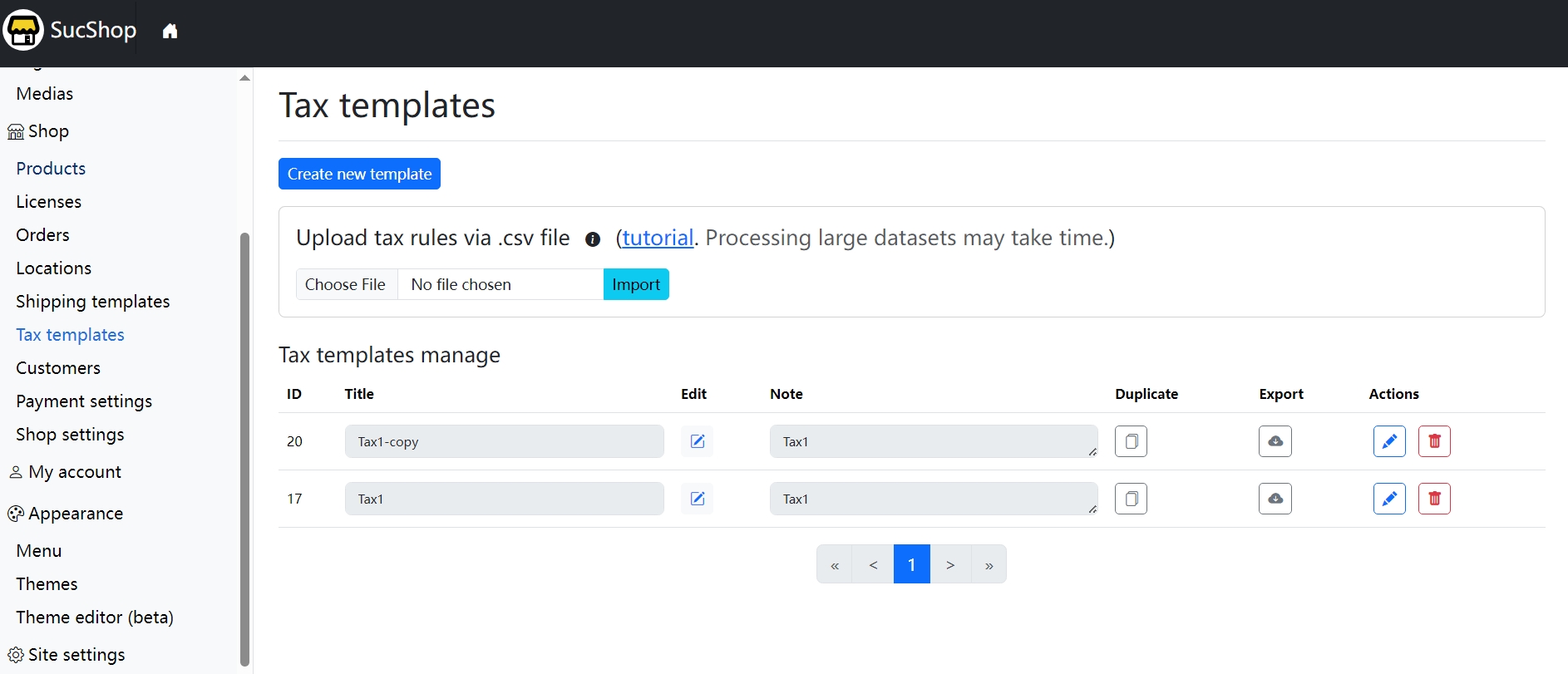
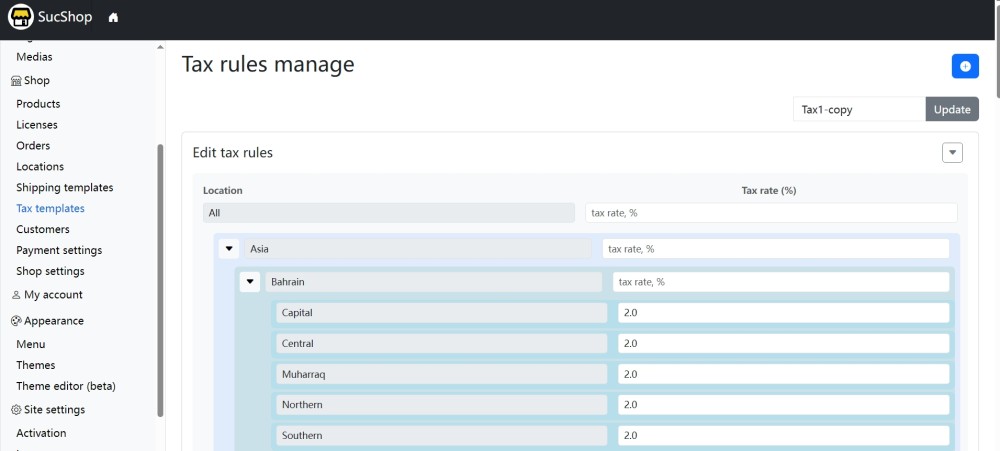
Create Tax Templates
You can also create tax templates based on the locations table and perform bulk editing.
3 Appearance
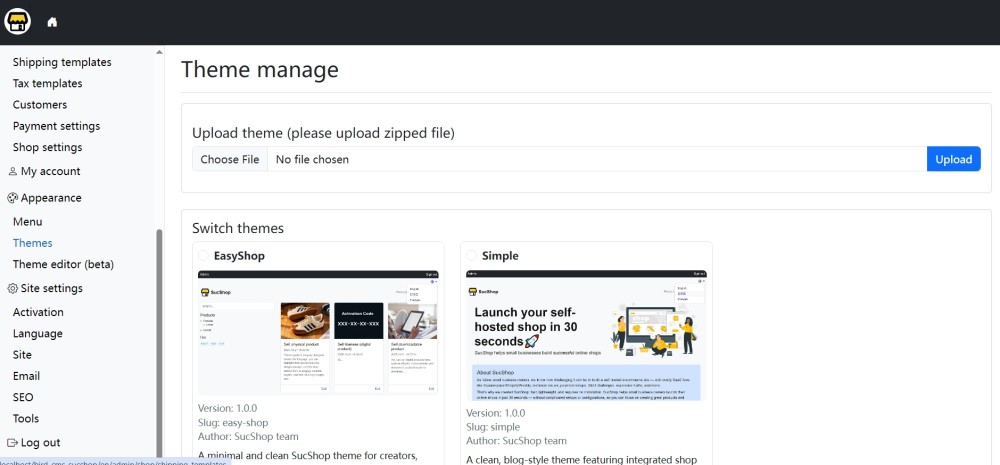
Themes manage
You can upload a theme file in ZIP format on the Themes page and activate it there.
Menus settings
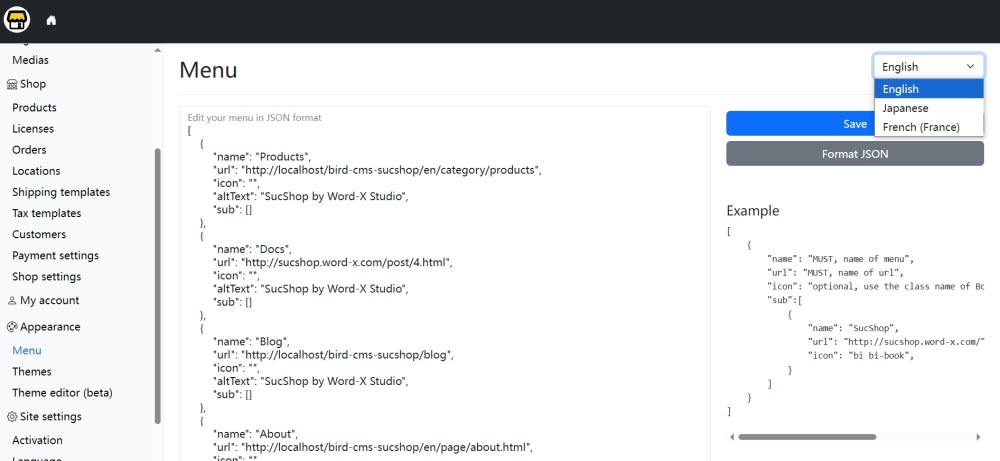
We once experimented with various graphical menu editors, but in the end, we decided to stick with JSON. It’s more straightforward and remains reliable over time. You might think that using JSON-formatted menu data is outdated, but in fact, it’s highly efficient. JSON involves no technical barriers—anyone can edit the menu simply by copying and pasting the data, and it offers far greater flexibility.
4 Publishing/Managing Content and Products
Editor Page (Publish posts/pages/templates and add product attributes)
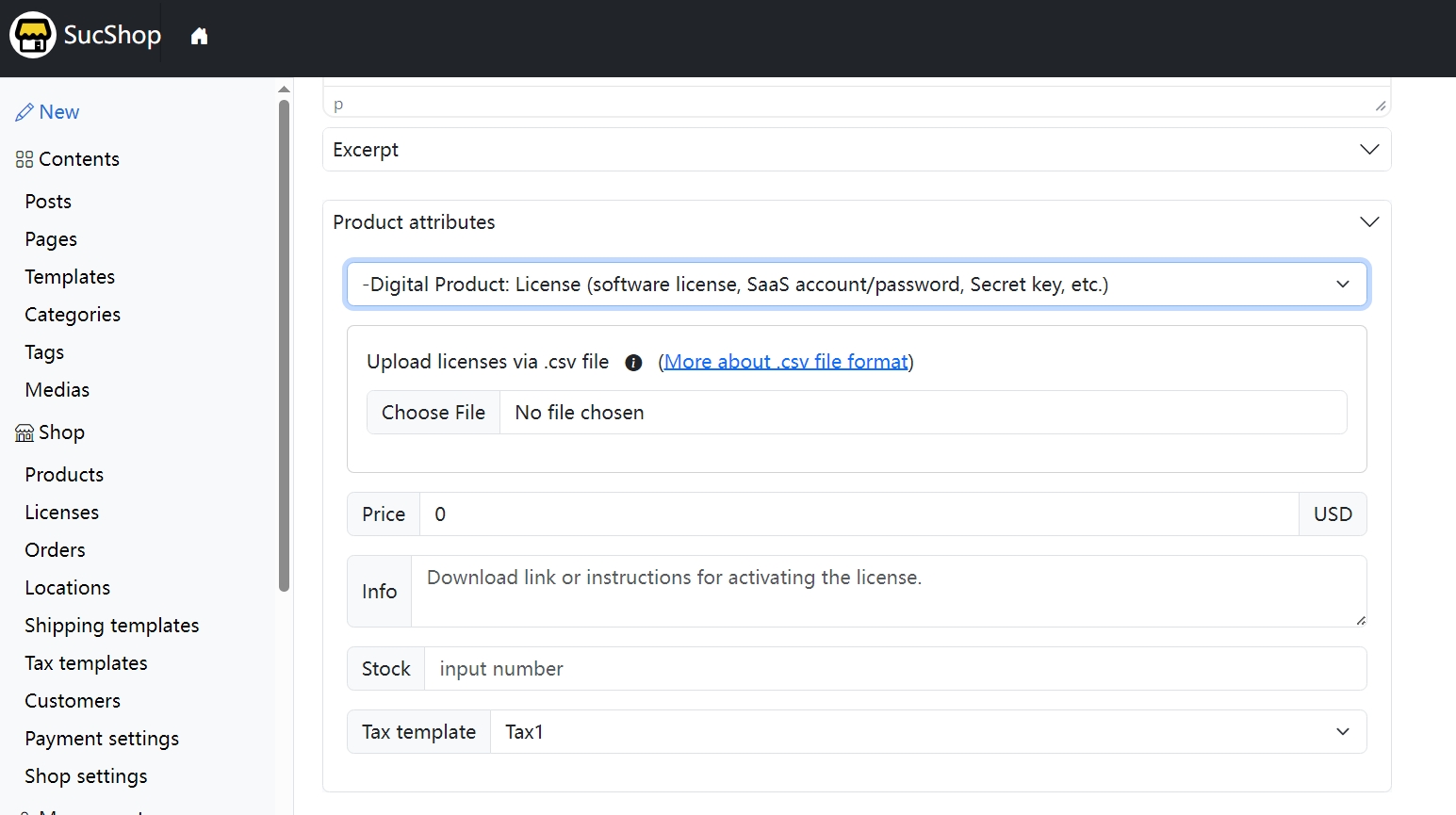
In SucShop, publishing posts and products is integrated. If you want to publish a product, simply create a post first, then add product details in the Product Attributes panel. If you sell license keys, you can upload your license key file in the same Product Attributes section.
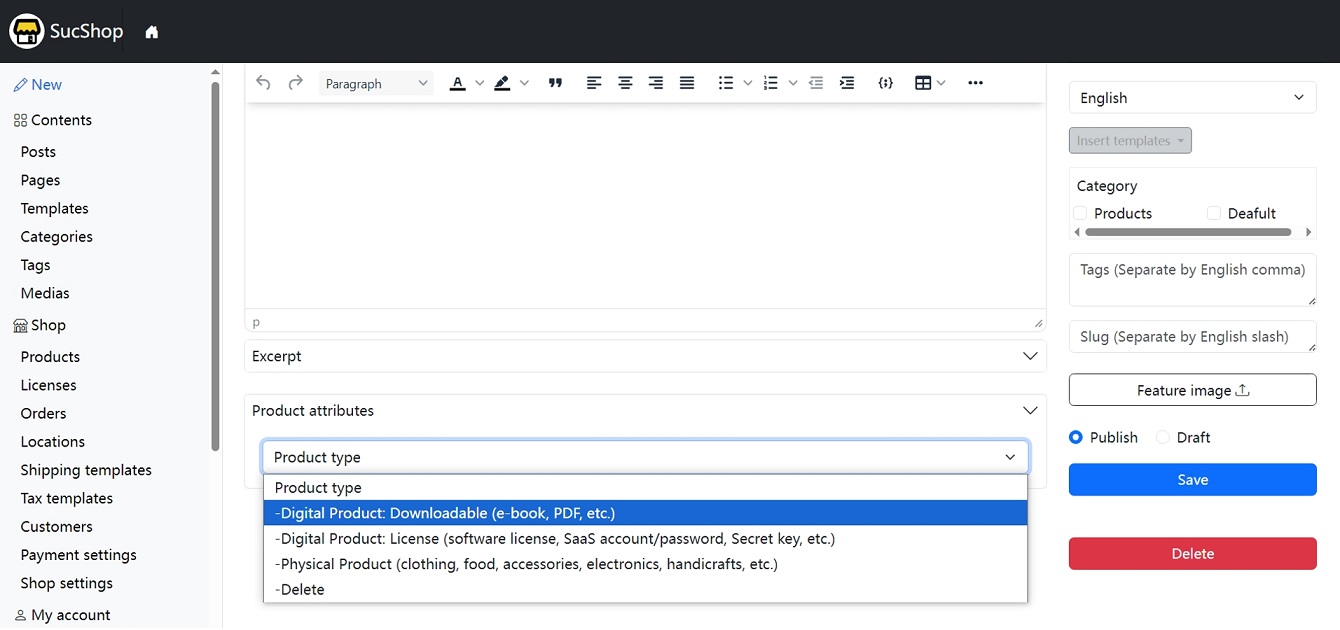
Product attributes for subscription and license-key sales
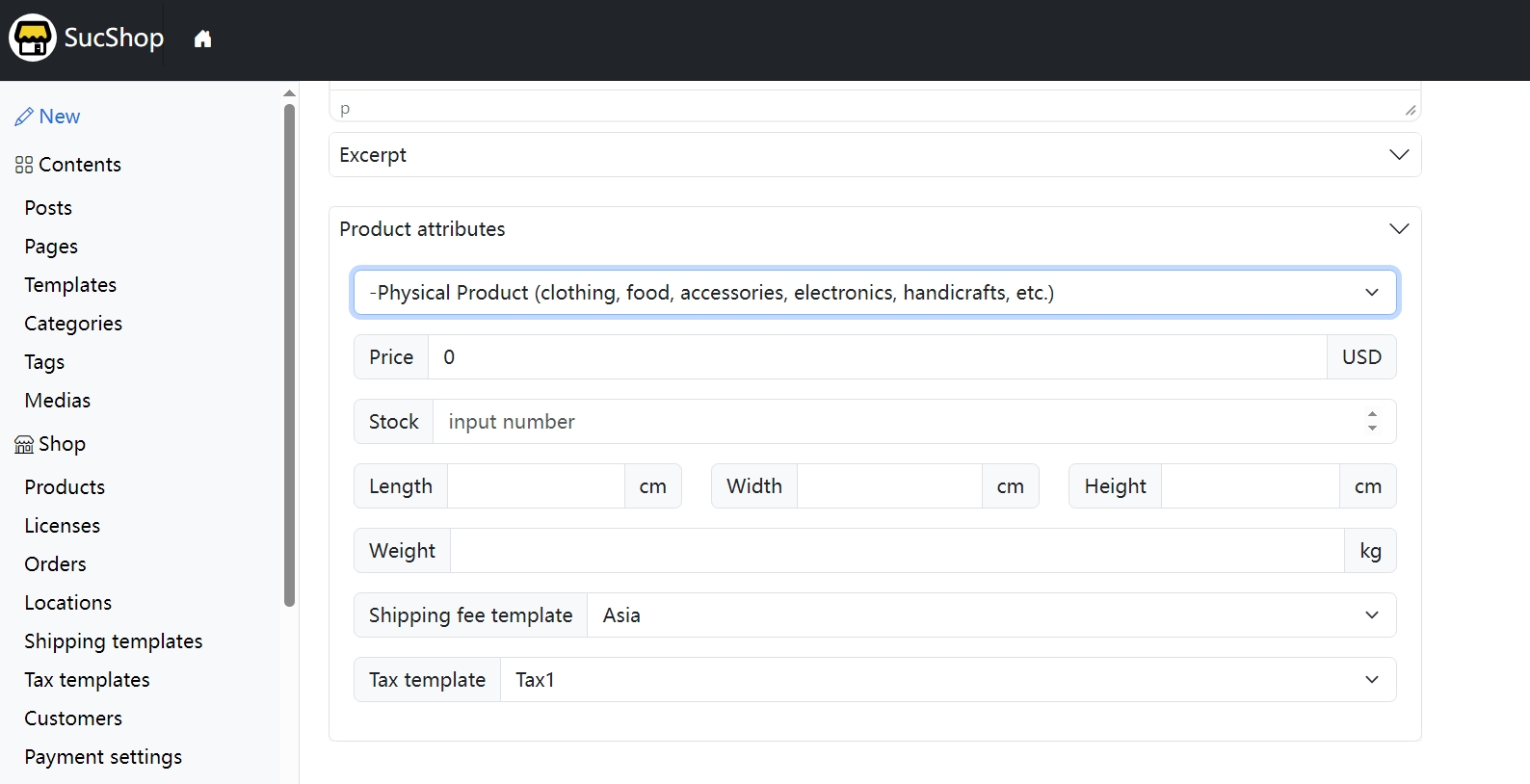
Product attributes for physical goods sales
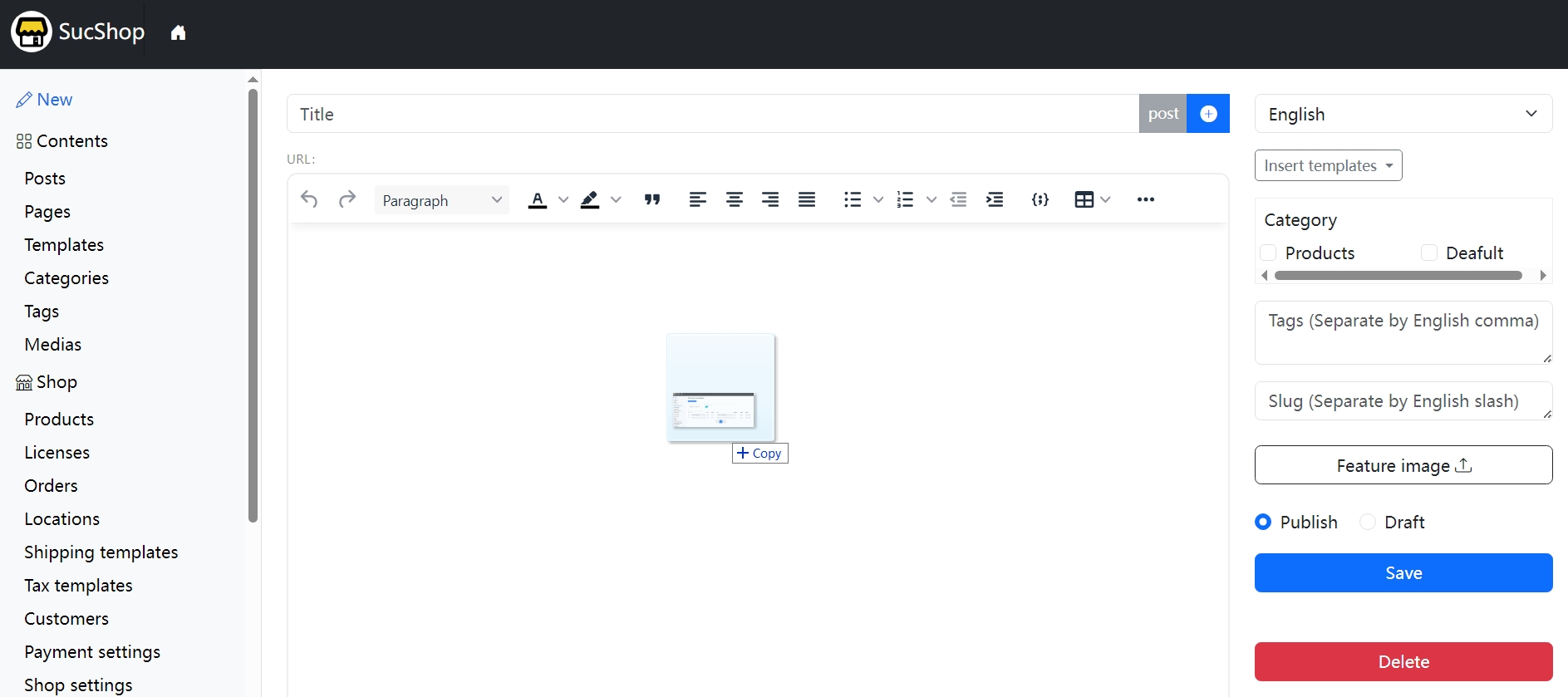
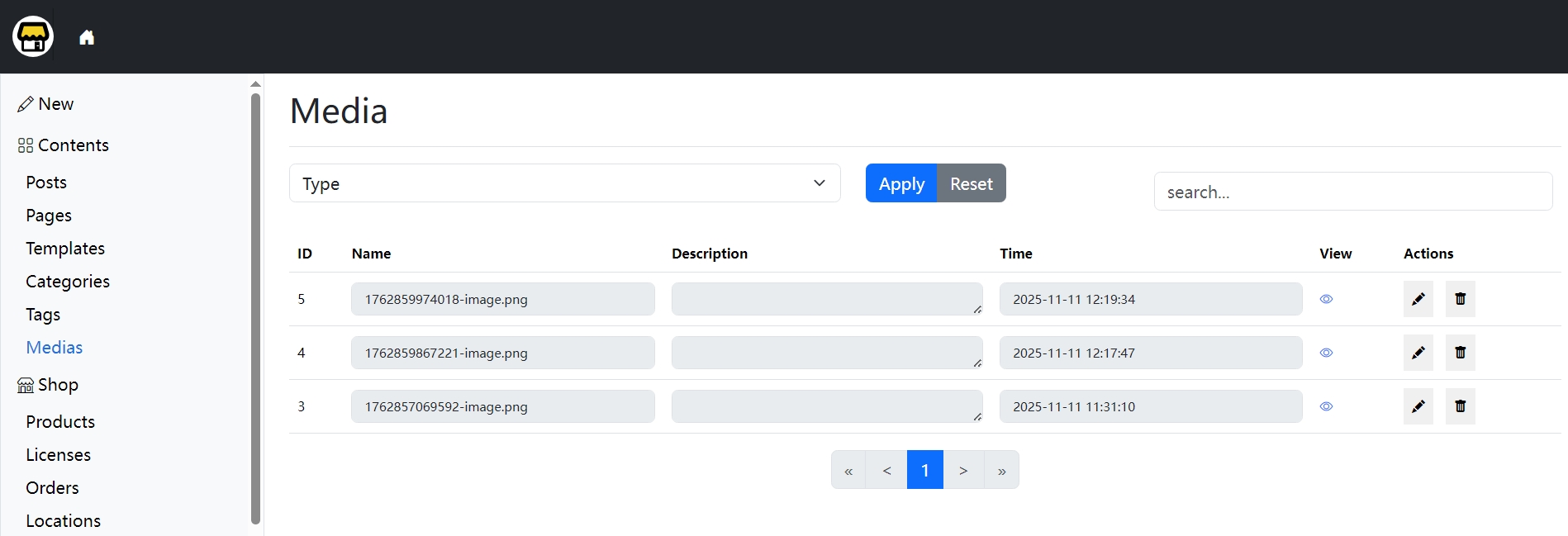
On the editor page, you can drag and drop images or files directly into the editor to upload them. These uploads can also be managed on the Media page.
Post Management Page
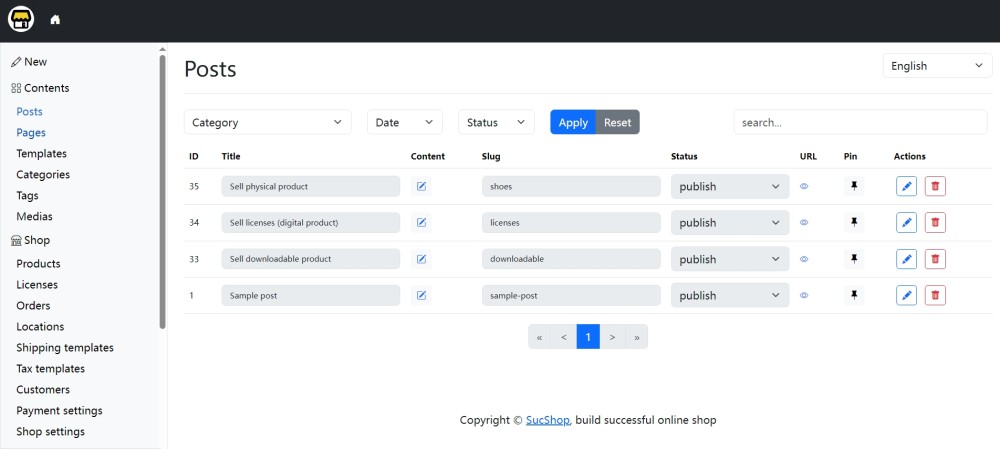
The Posts management page allows filtering posts by language, category, month, and post status. You can also search using keywords.
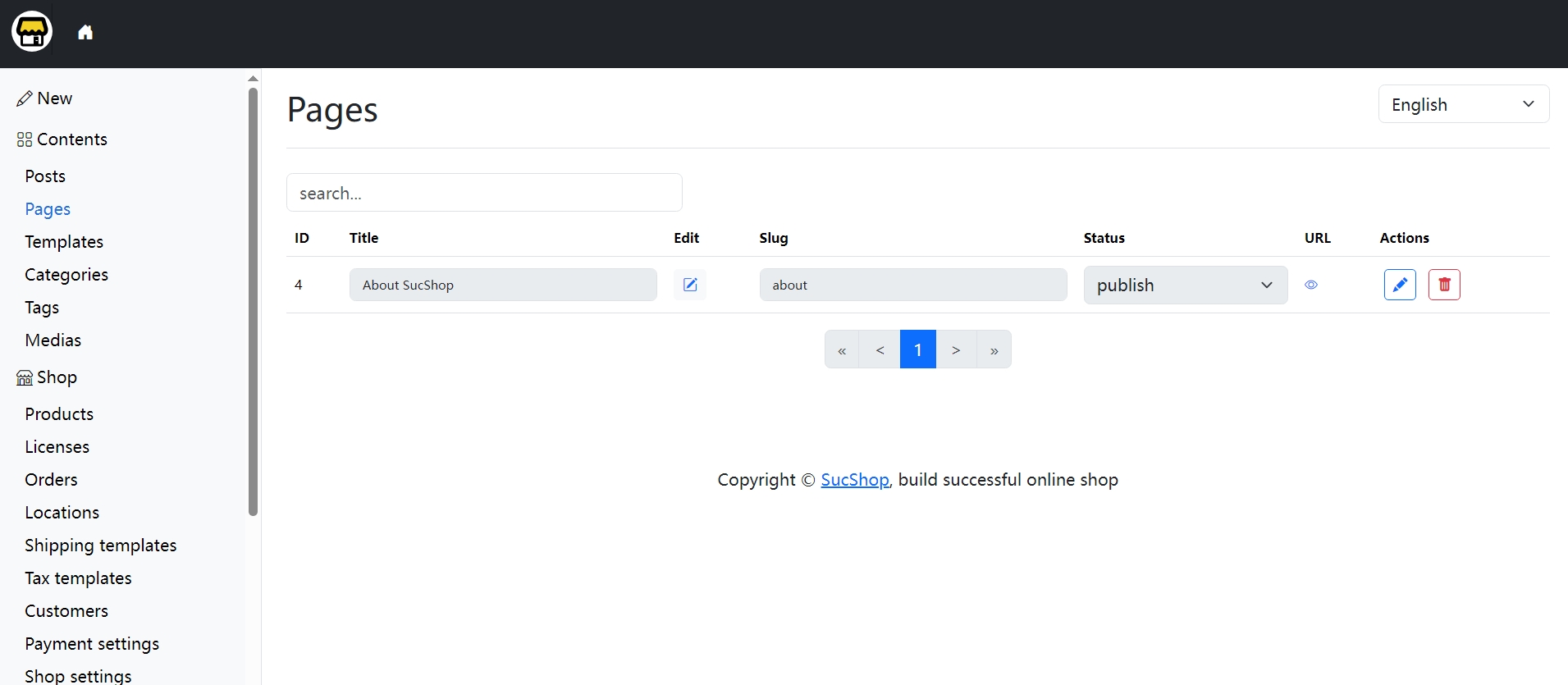
Page Management Page
Template Management Page
Compared with custom fields, SucShop templates are more flexible. You can store any reusable content as templates for future use, making them more efficient than custom fields.
Categories Management & Multilingual Features
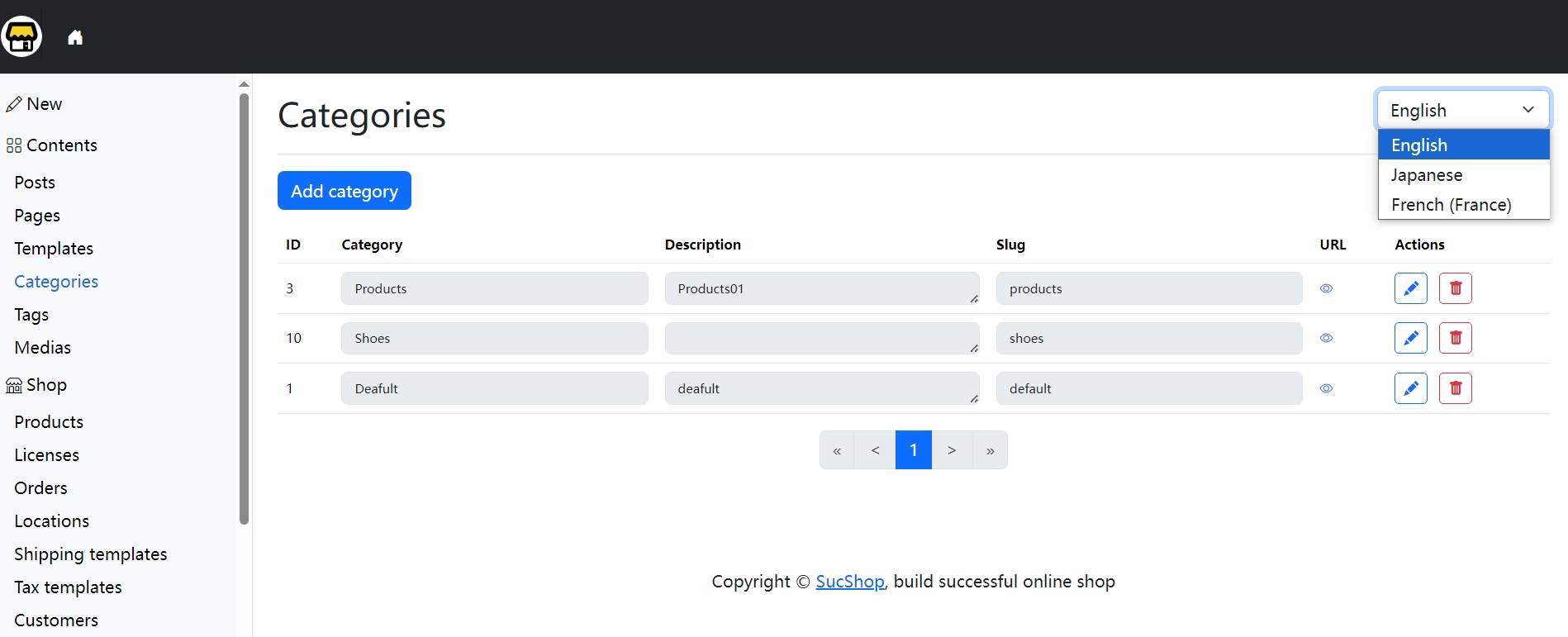
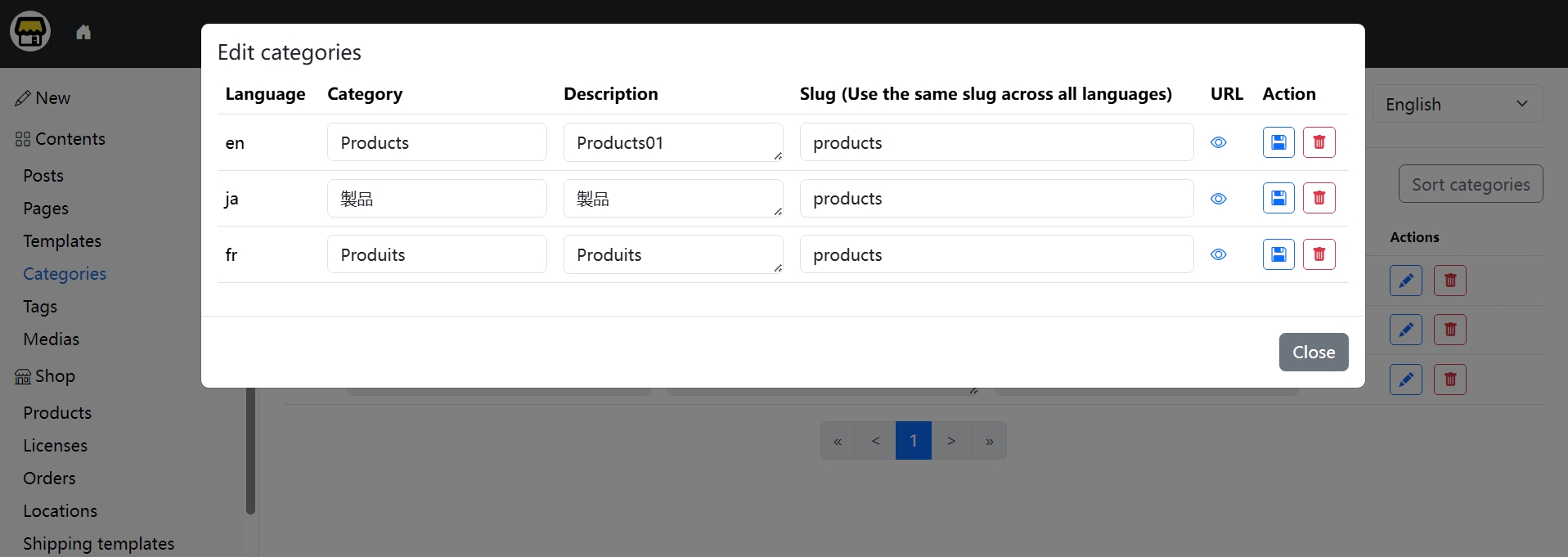
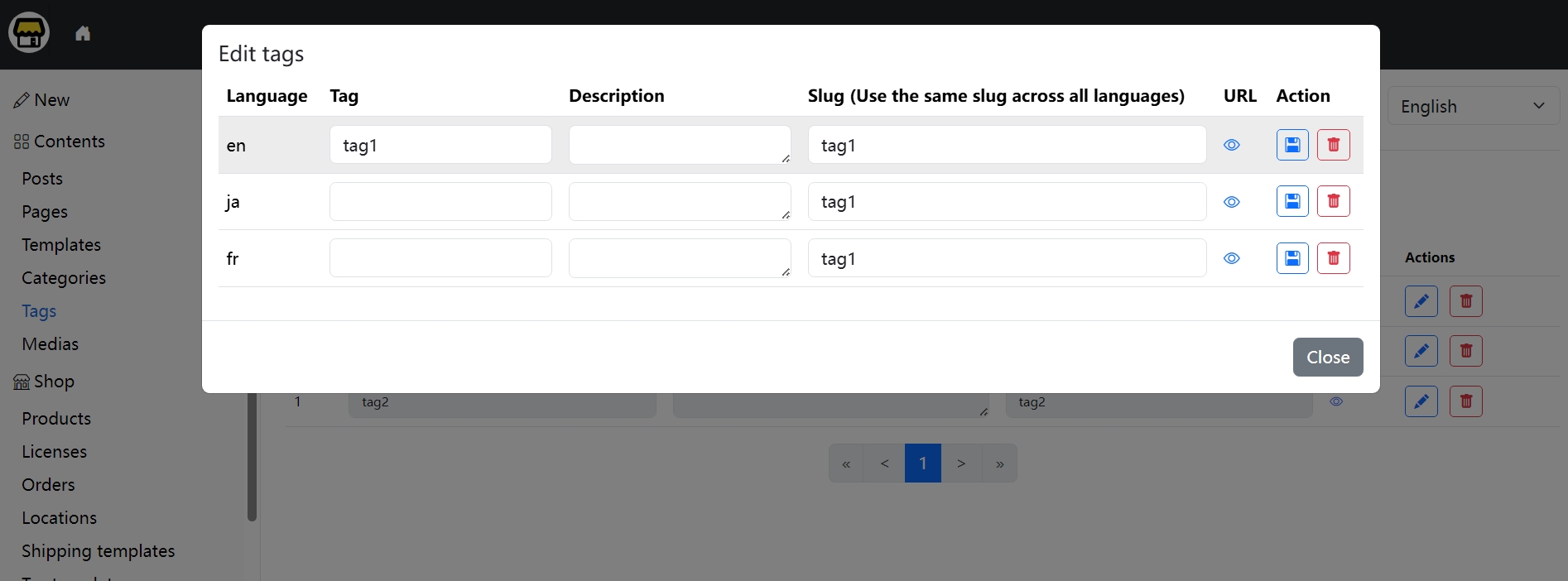
On the categories management page, you can rearrange categories by drag-and-drop. You can also edit translations for a category in multiple languages.
Tags Management & Multilingual Features
Similarly, on the tags management page, you can edit the translations of a tag across multiple languages.
Media Management Page
5 Store Management
Product Management
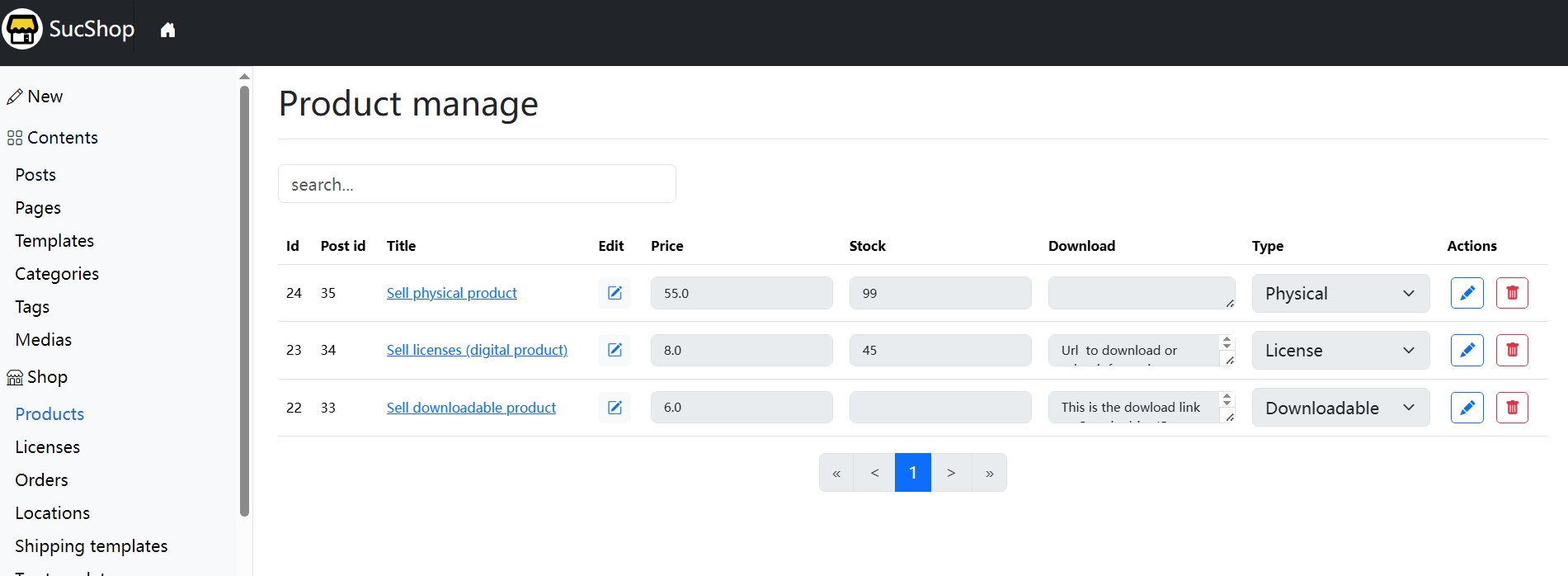
In the product management page, you can edit product prices, stock quantities, download information, product type, etc. You can also delete products.
License Management
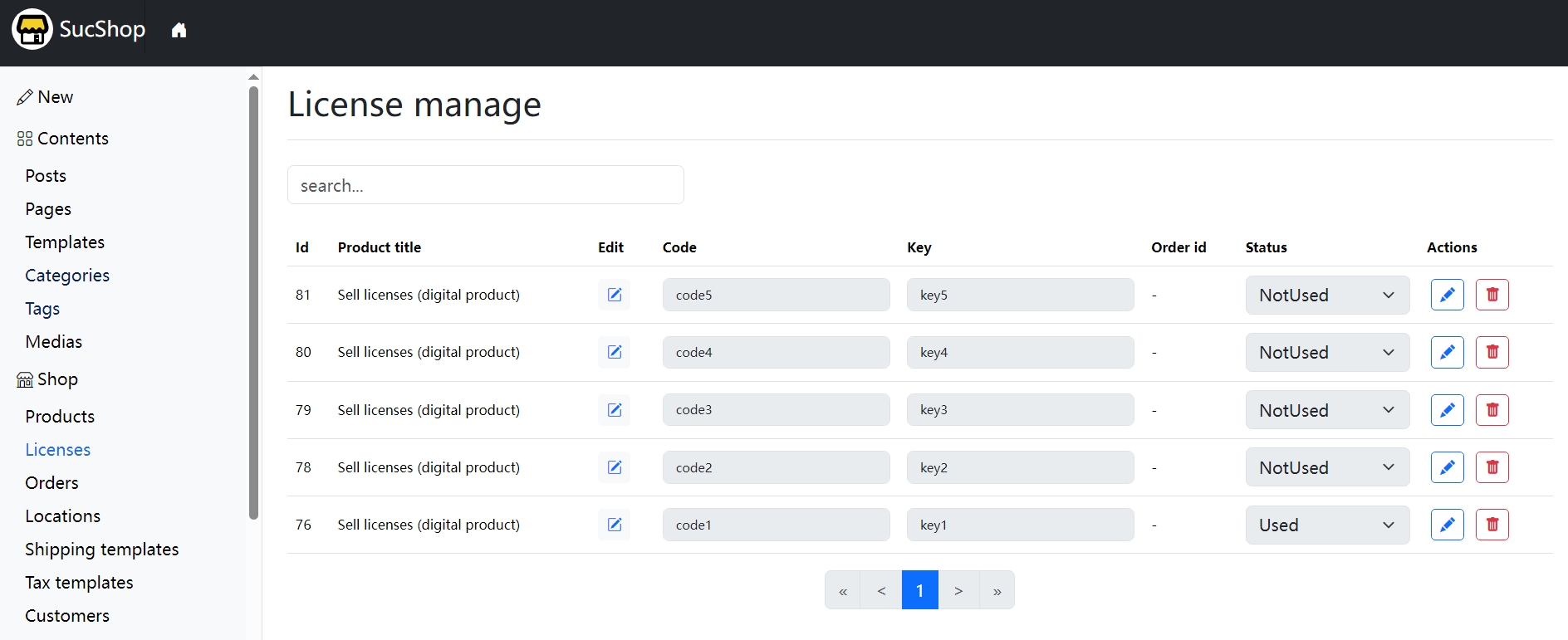
If you sell software license keys or subscription service accounts/passwords, you can manage them in the License Manager page.
Order Management
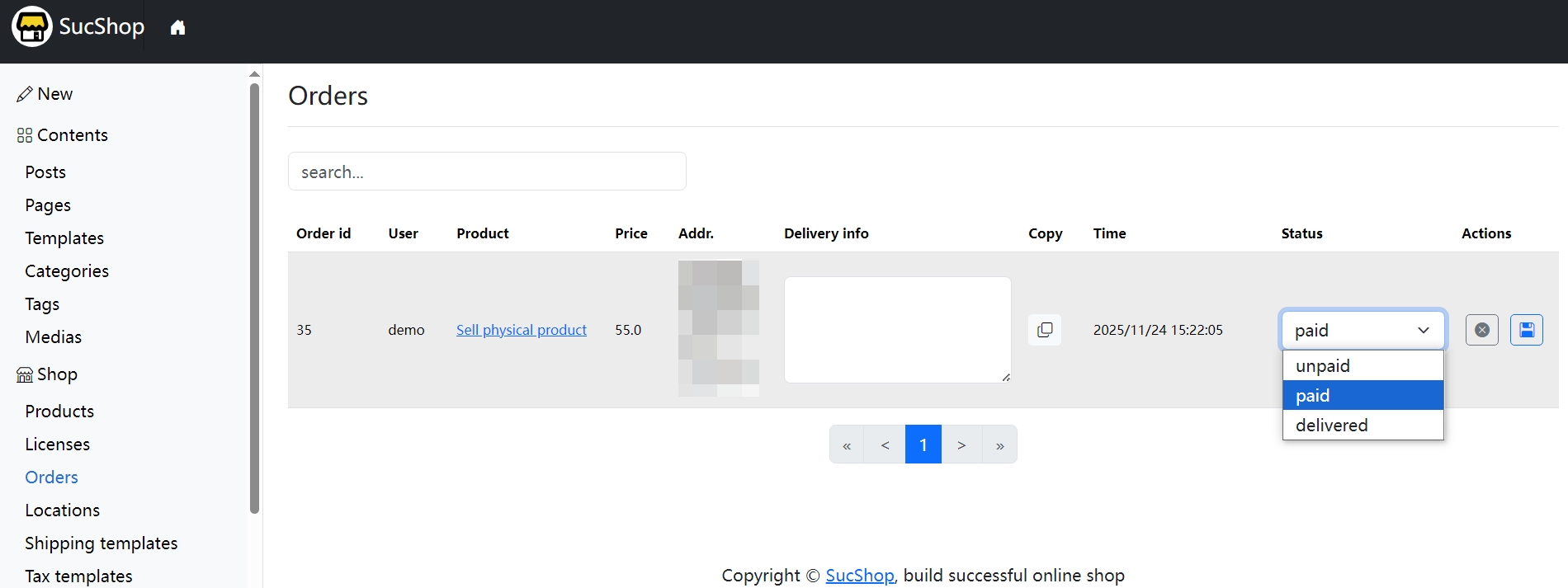
In the order management page, you can view sales data, update a shipment’s delivery status, and edit logistics information. Once you set an order’s status to Delivered, SucShop will automatically notify the user via email.
6 Other Features
SEO Tools
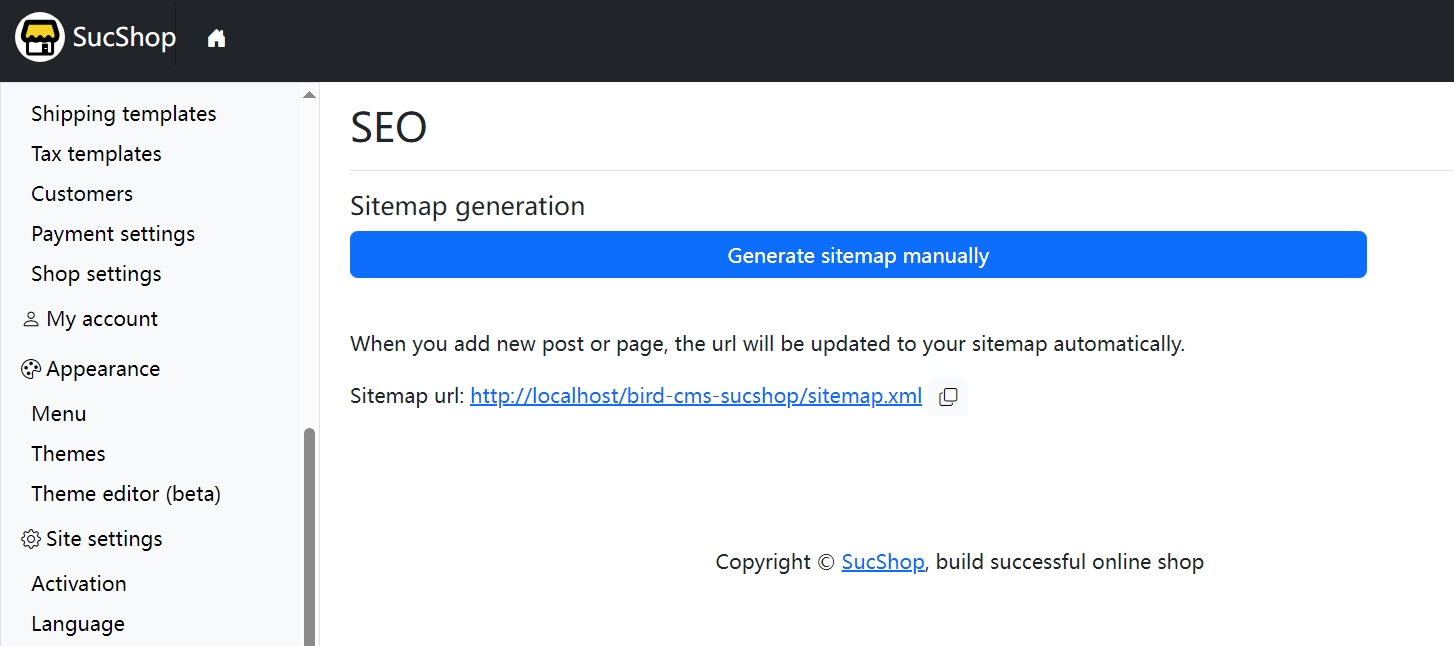
You can generate a sitemap manually in the SEO page. Additionally, SucShop automatically adds new post URLs to the sitemap whenever you create or update posts. With many other online store builders, you may need multiple plugins to achieve this.
Site Migration
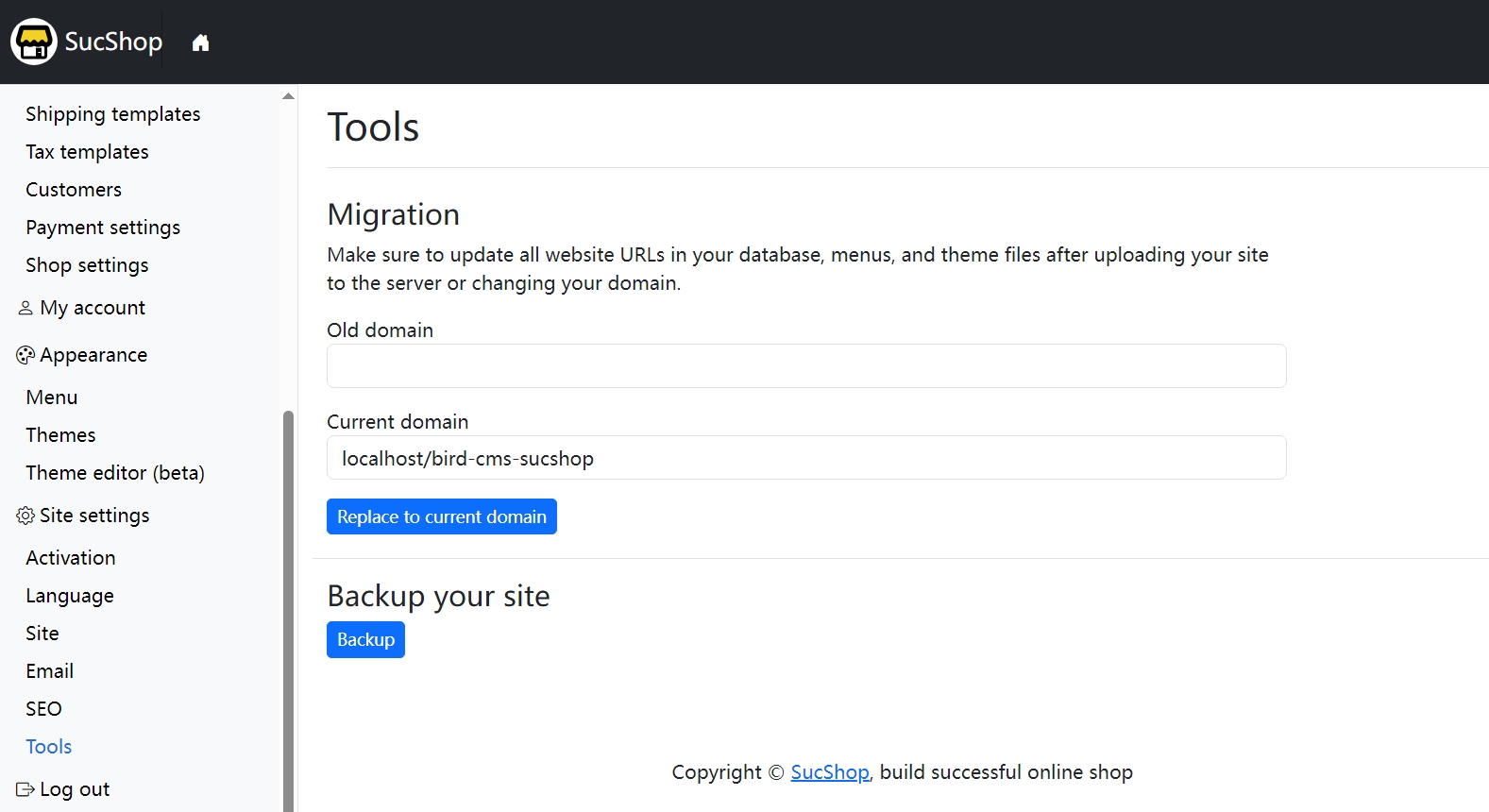
Considering common needs such as migrating a local (localhost) site to a remote server or changing your store’s domain, SucShop provides a Migration feature that allows you to replace the old domain with a new one.
Data Backup
You can back up your website data in the Tools page. The backup will be packaged as a ZIP file and stored in the backups folder in your site’s root directory.